

01 · RACE HISTORY
Explore race data
Follow live races. Compare recorded performances by date, distance, placing and arrival information.
Open the race centre →We combine One Loft Race results from around the world with pedigrees and lineage links, making the real performance of pigeons visible in a single data universe.
10+ YEARSDATA HISTORY
173 OLRORGANISATION NETWORK
CURRENTRACE RESULTS
24 / 7PLATFORM ACCESS
GLOBALPIGEON COMMUNITY
The international news and information centre for the world of racing pigeons.
Read the details of this featured development from the world of racing pigeons at the Güvercin Yeri Global Newsroom.
VIEW NEWS →




Explore race history, turn your pedigree into a digital record and build your own loft's memory. Assess your bird, its family and its results together.
Follow live races. Compare recorded performances by date, distance, placing and arrival information.
Open the race centre →
Manage your birds and youngsters, upload and edit pedigree documents from your loft. Follow their photos, lineage links and race history in one place.
Go to my loft →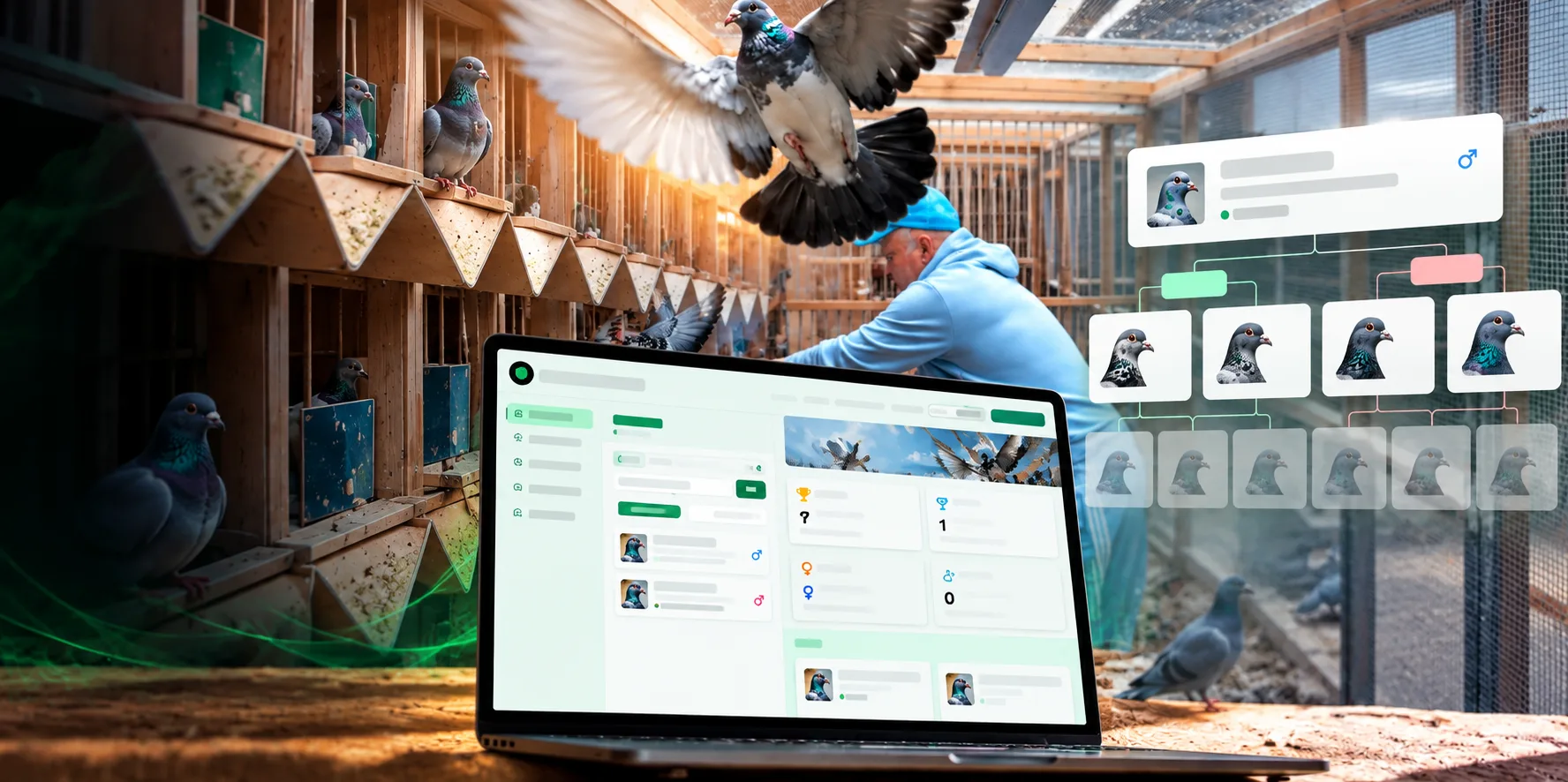
Explore family links with recorded lineage and race information. Assess the analysis together with source documents and your experience as a breeder.
Review the birds in my loft →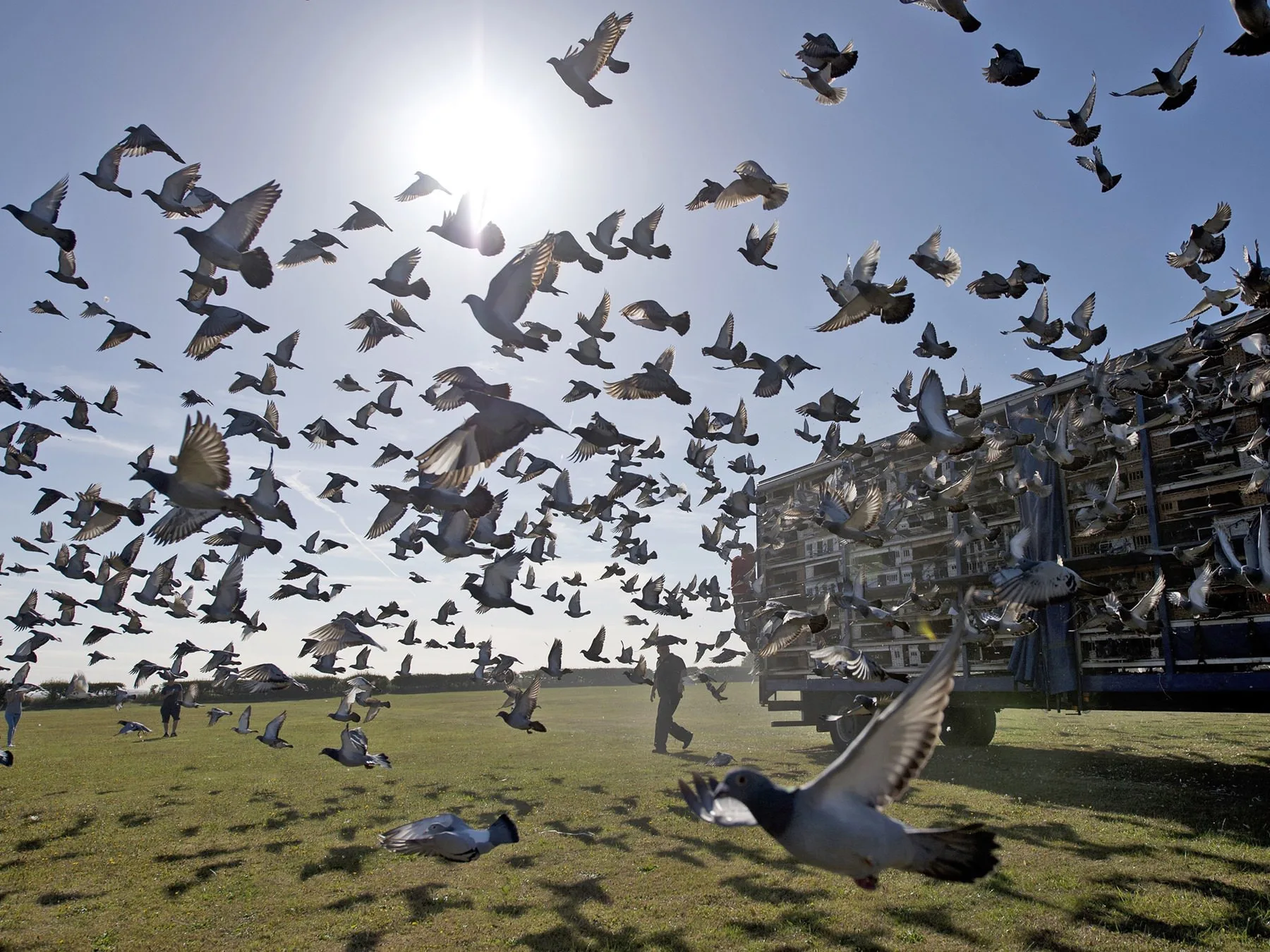
Look up the ring number, find the registered bird and its race history. Where available, connect with the shared breeder or loft details to help the found bird get home.
Look up the ring number →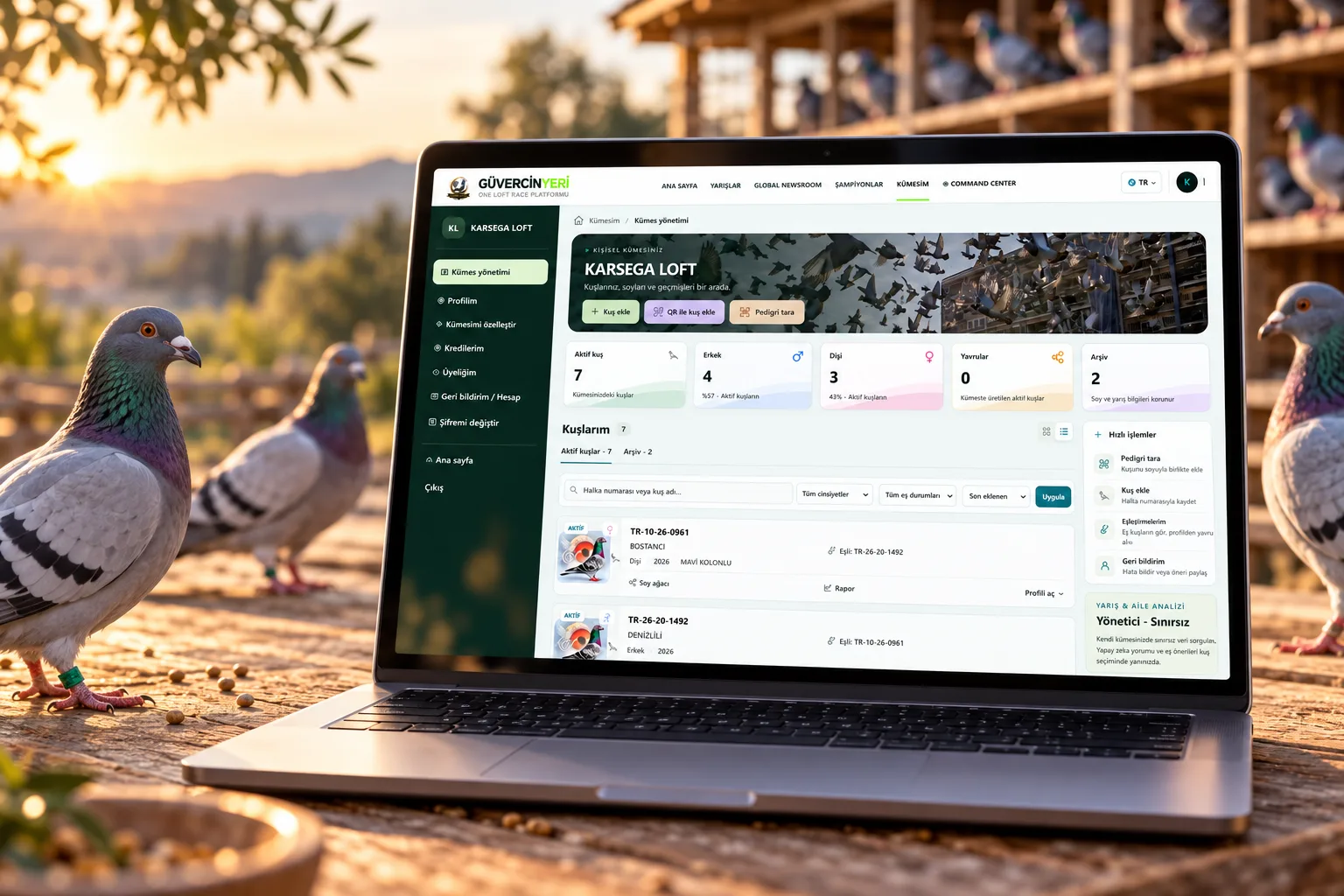
Turn your pedigree document into a digital record. Edit parent and ancestor links; follow your birds, their mates and youngsters together in your own loft.
Scan the pedigree or add the details manually.
Review the lineage boxes and complete missing information.
Manage birds, mates and youngsters together.
Print or share the recorded pedigree.
Pedigree upload, scanning and editing are located in My Loft.
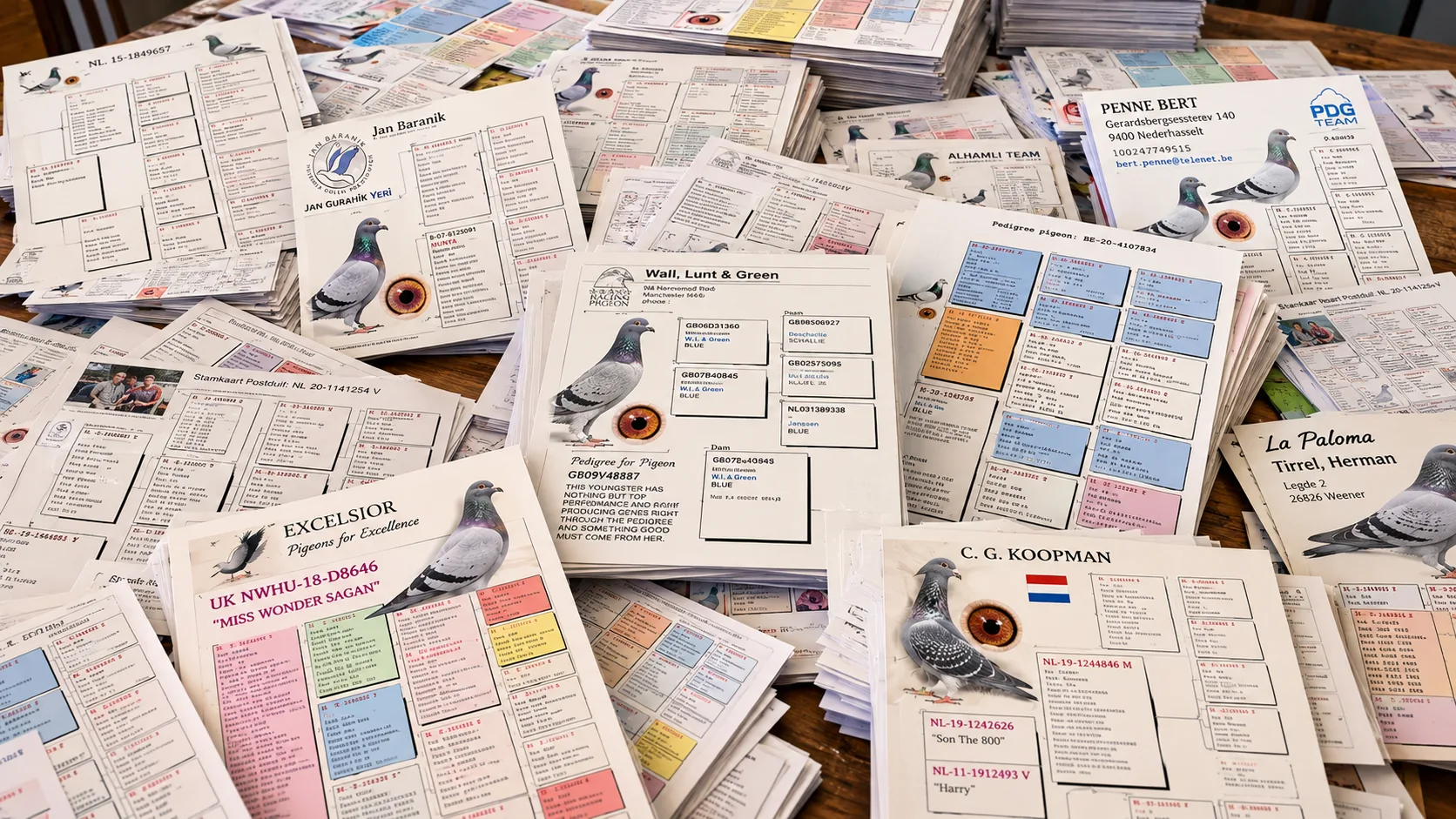
Turn the pedigree documents you have accumulated over the years into an orderly digital record. Bring your bird, its parents and its ancestors together in the same lineage story.
Connect records, lineage tracking and race information. Access the tools you need on the same platform.
Review the dam, sire and ancestors together; complete missing information.
Open my lineage record →Pair birds and track youngster records with their parent links.
Go to my loft →Search records by ring number; review the race results found together with their source.
Look up a ring number →Scan the shared QR code; review the bird details and add it to your loft.
Open QR scanner →Print or share the lineage record you edited; keep the information together.
Access my pedigrees →Follow news compiled from federations and organisations.
Open the newsroom →The scan is a starting point. You do the pre-save check for correct ring numbers and lineage links.
Switch to my loft →Enter details manually, scan a pedigree or use a shared QR code.
Review ring numbers, parents and ancestors; make the necessary corrections.
Link mates and youngsters; turn the lineage history into an organised loft record.
Read more in our Notebook → for the basics of pedigrees and race records
Yes. You can add the bird's details manually and complete the lineage links you know later.
Check the scan output before saving. Compare it with your document, especially for ring numbers and ancestor links.
Results depend on source records in the system. The absence of a record does not mean the bird never raced.
Compare the features offered in the packages below. Choose according to your pedigree, race data and analysis needs.
Choose according to your needs; your account opens once your membership application is approved.